STEP 01
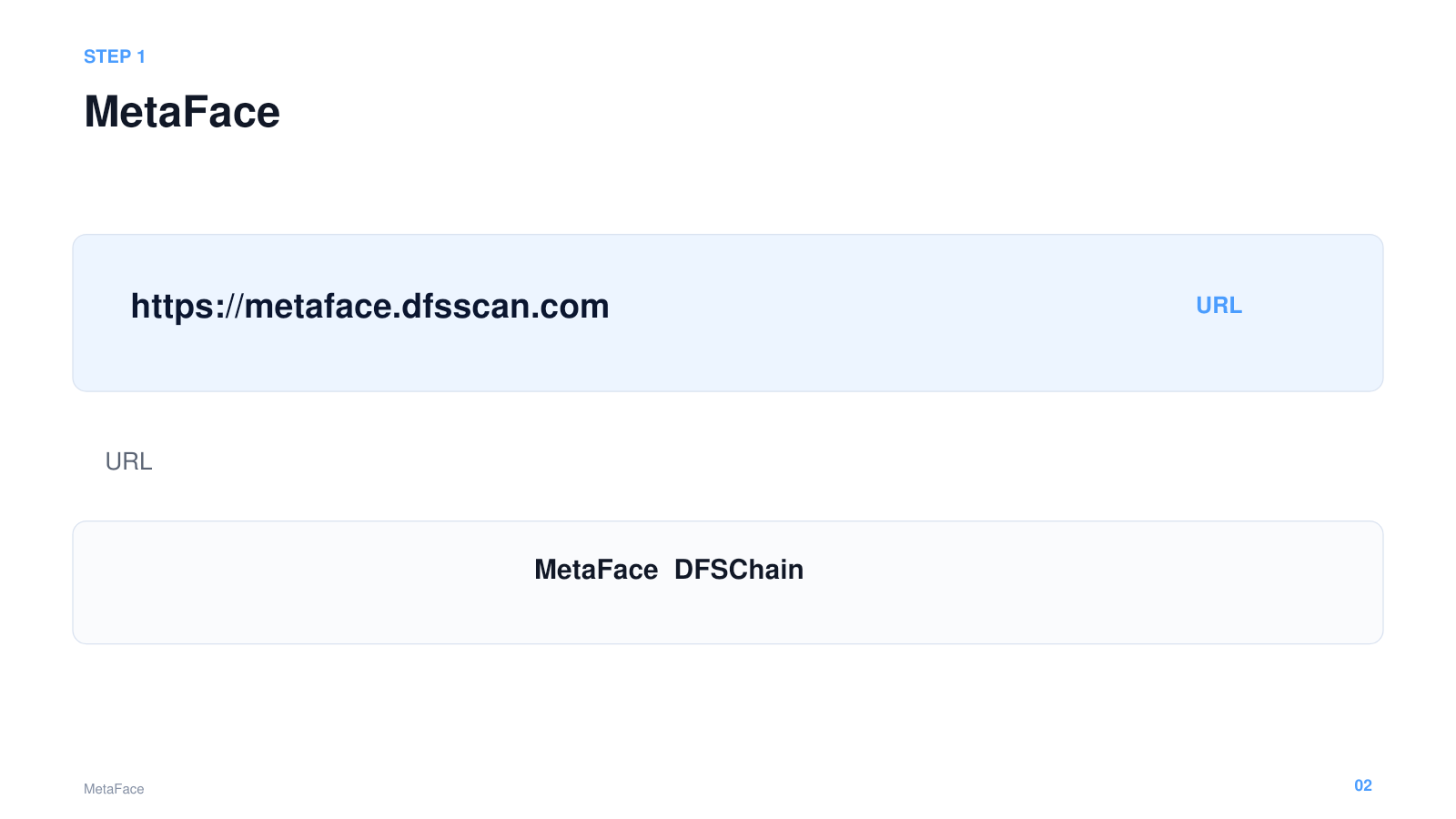
Open MetaFace
Go to the official MetaFace website.

 Free registration
Create your shared DFSChain account with just your email address. Sign up now and receive free points.

 DFS0.000000
MetaFace is the shared wallet and account used to access apps on DFSChain. Once registered, you can use the same account across all supported DFSChain apps.
Simply follow these six steps on screen.
Go to the official MetaFace website.
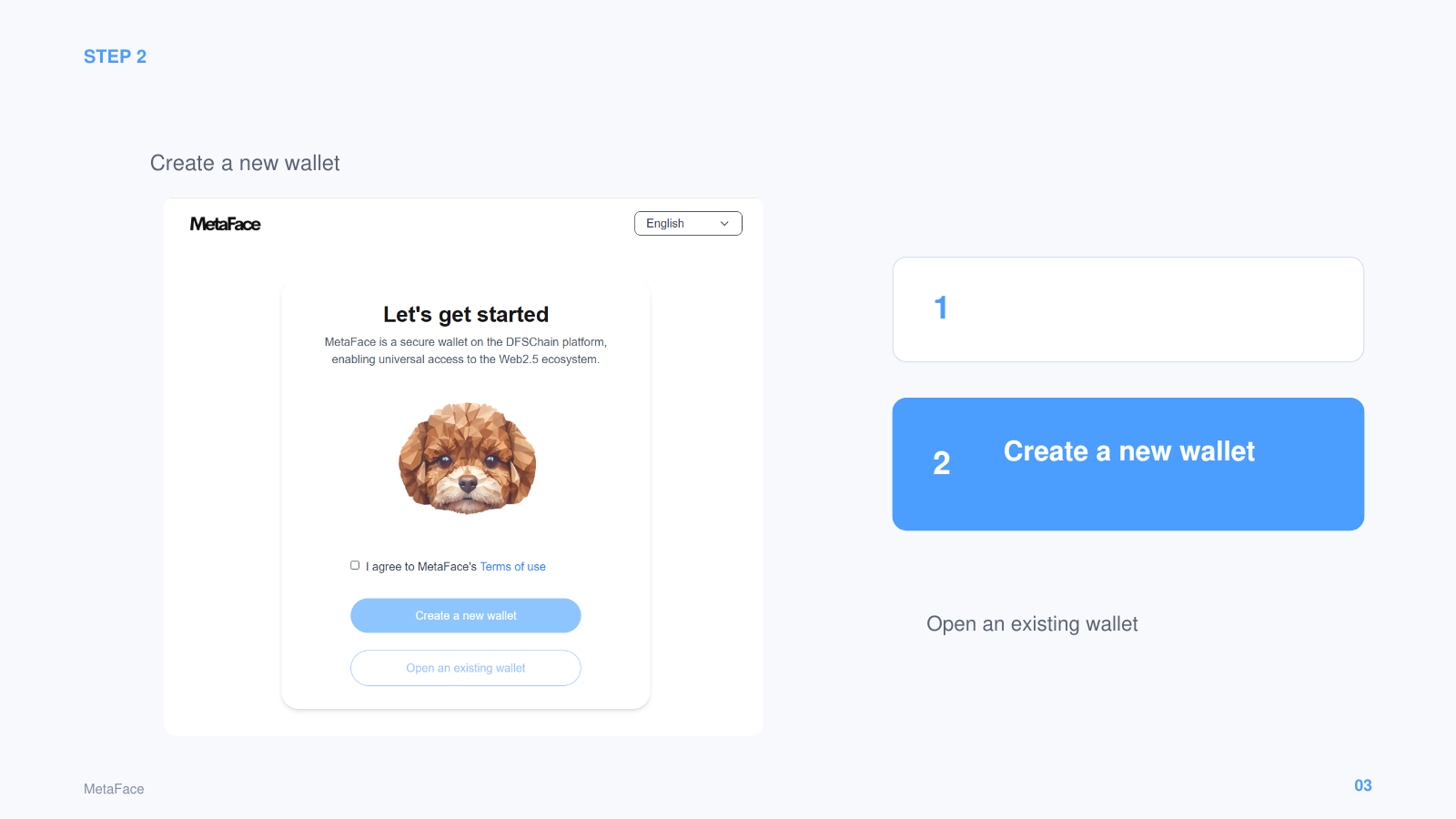
Select “Create a new wallet.”
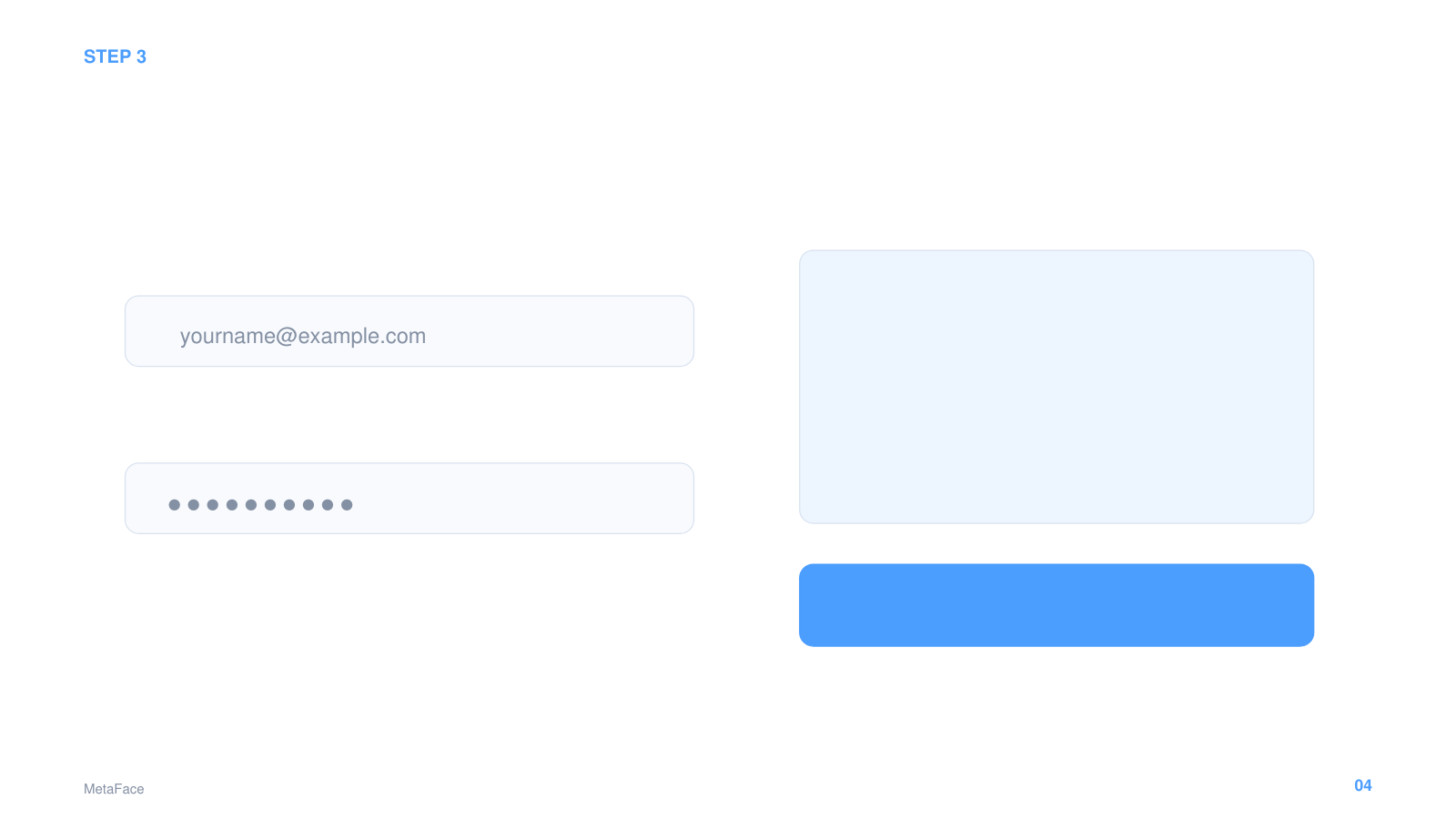
Use your regular email and set a secure password.
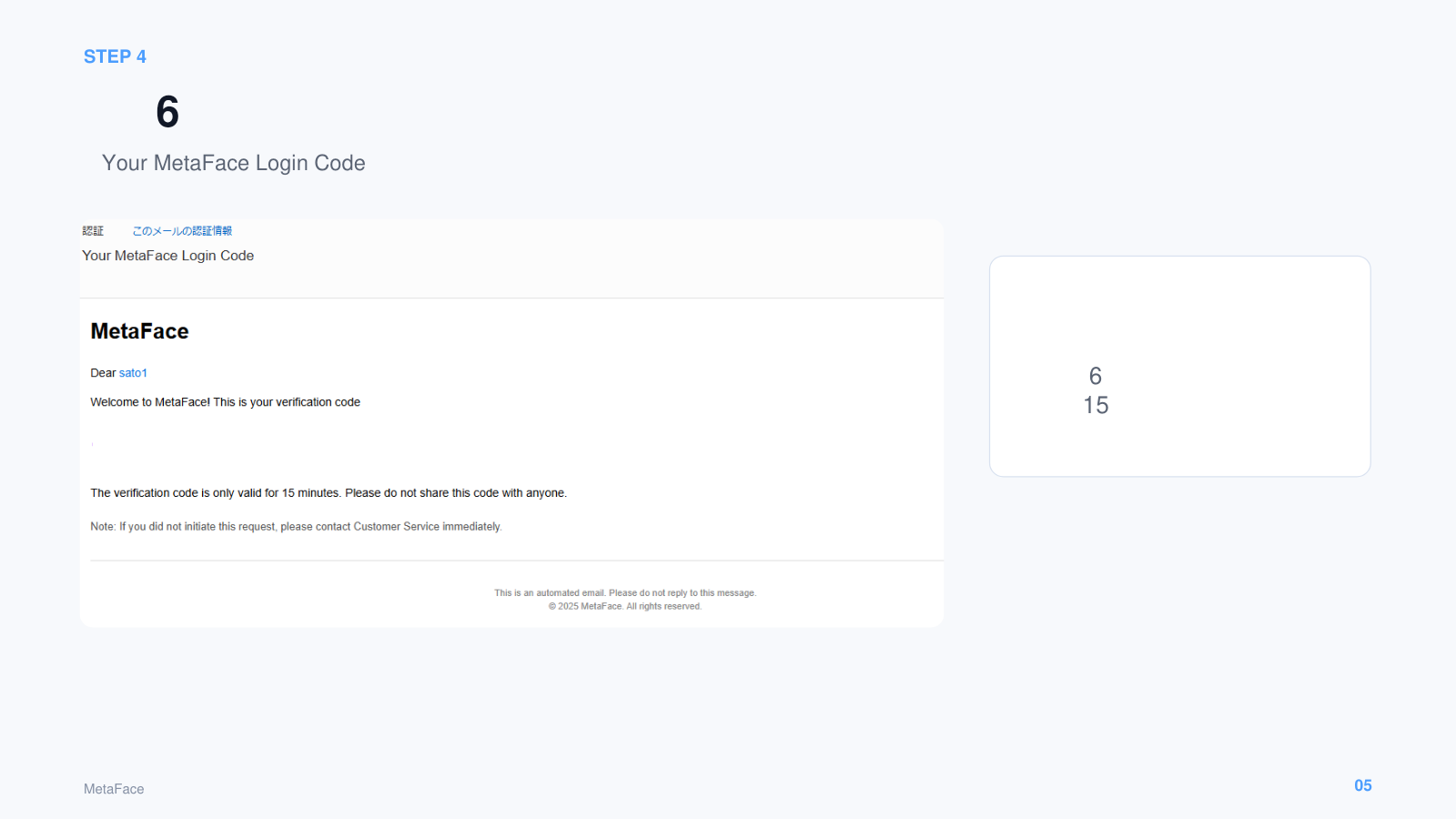
Find the six-digit code sent to your email.
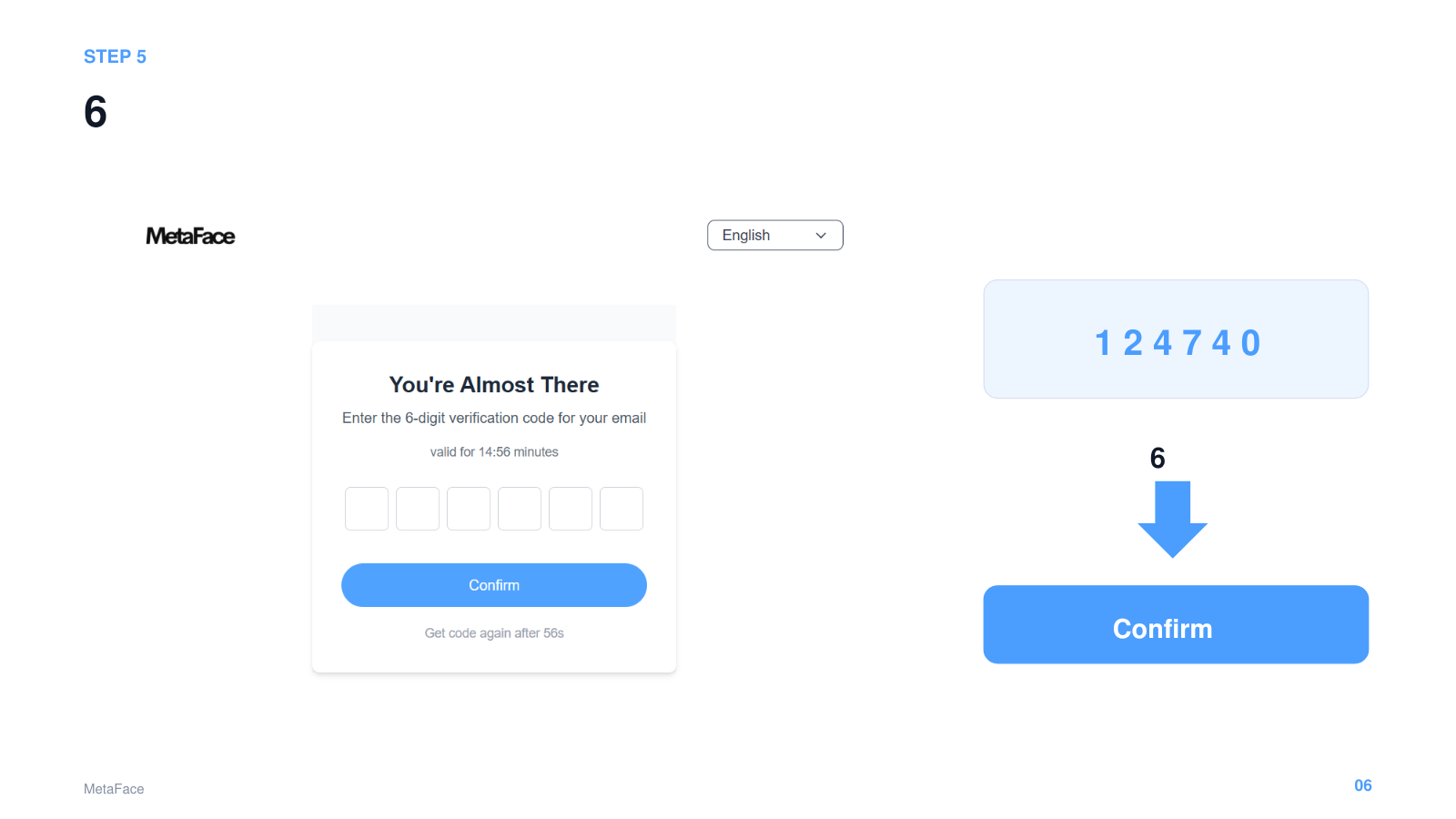
Enter the six-digit code and select “Confirm.”
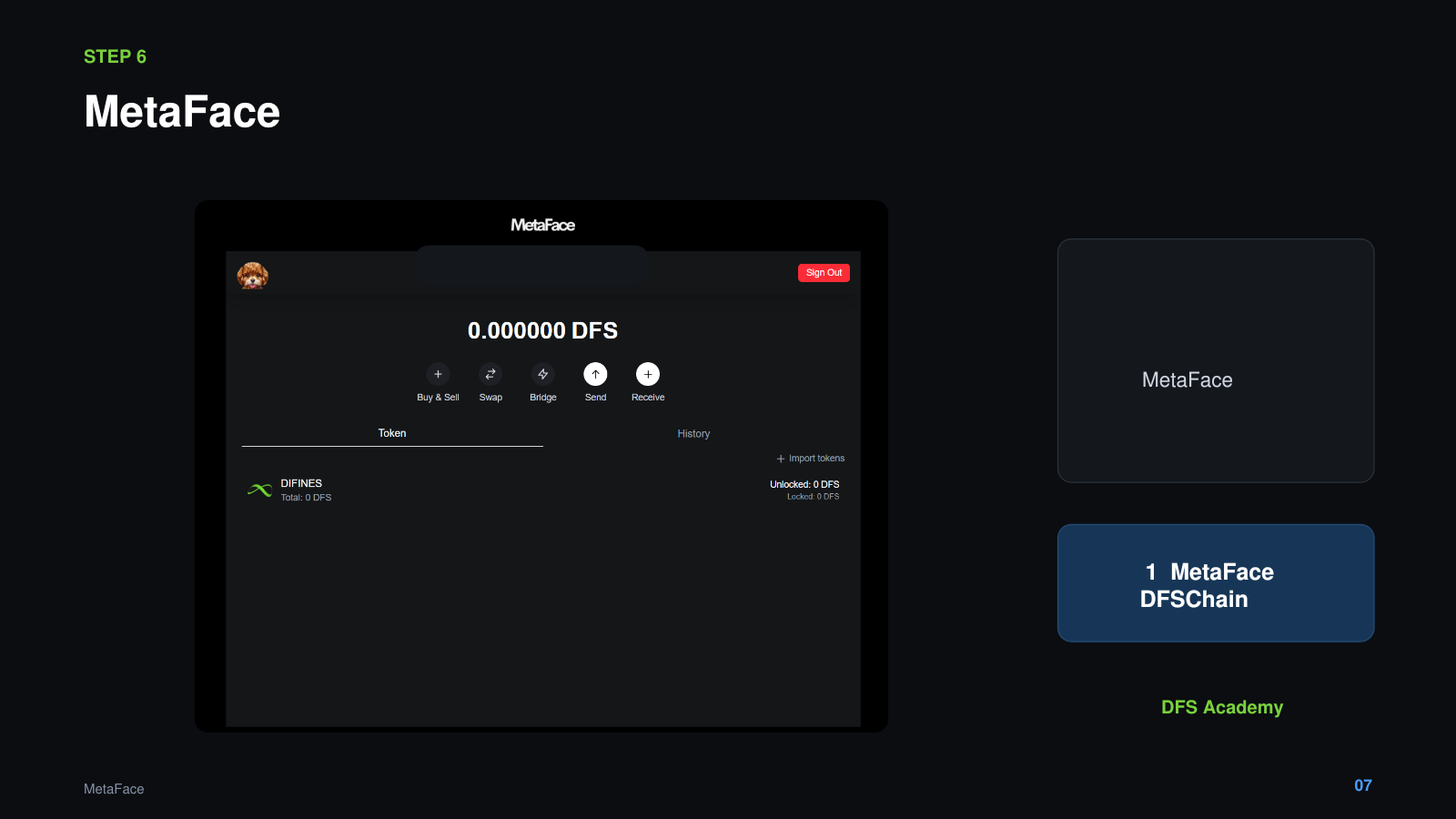
Once MetaFace opens, your registration is complete. Receive your free points and start exploring apps on DFSChain.
MetaFace registration is free. Create your shared account now and receive free points.